 KeepMyBond
Your move-in record in three steps
 1
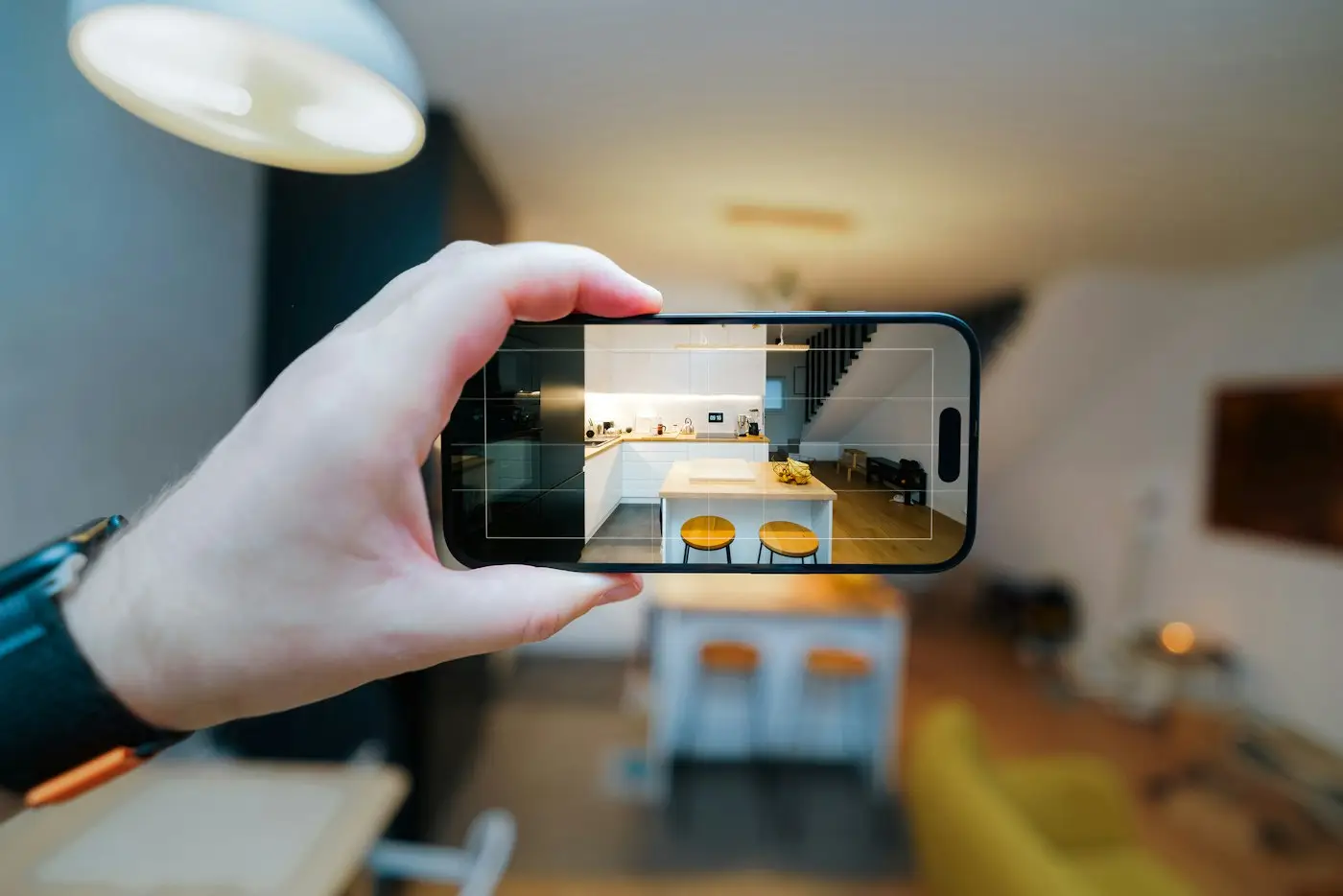
1Snap every room
Wide shot first, then close-ups of existing marks. Timestamps, a SHA-256 fingerprint and optional GPS on every photo.
 2
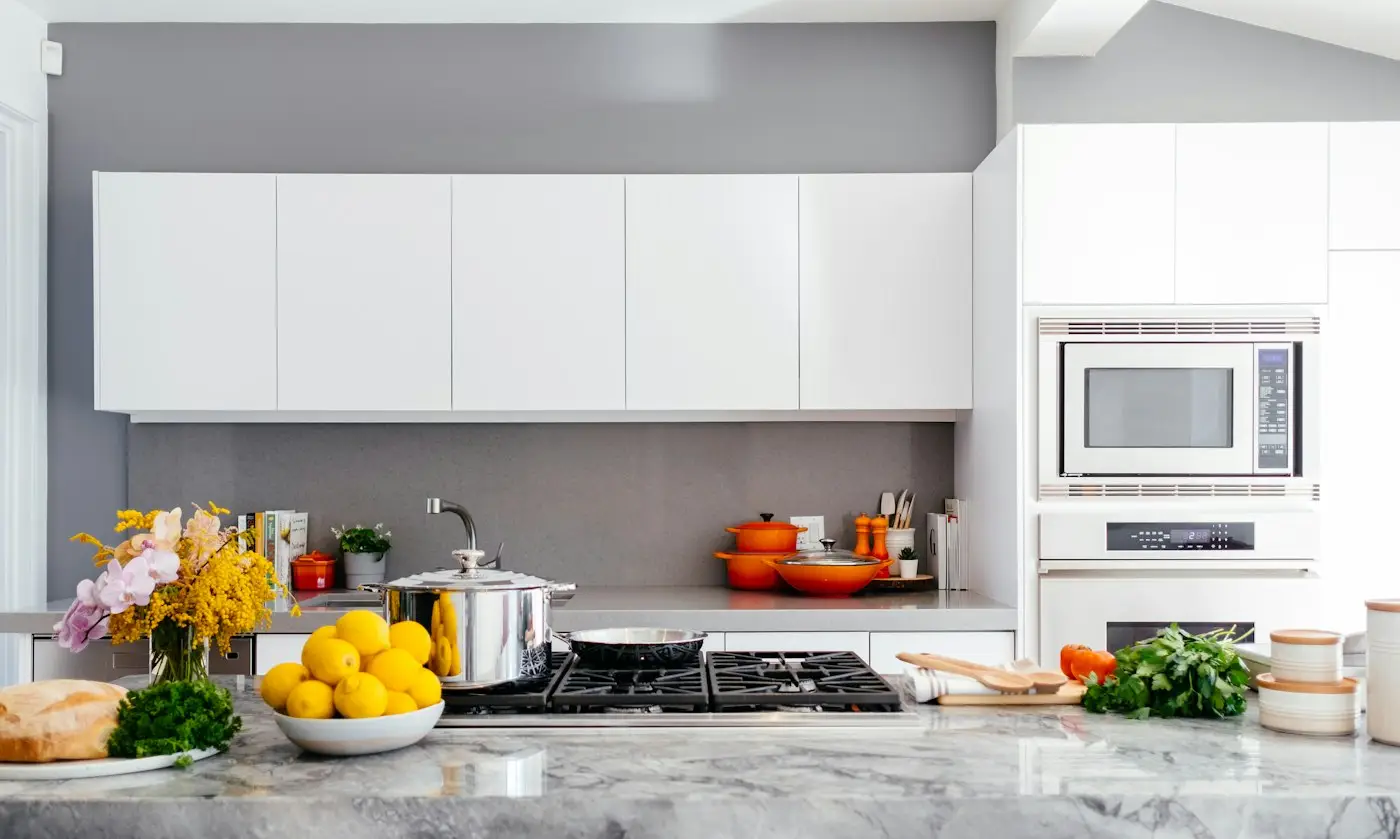
2Note what you find
Add notes per room and compare against the agent's condition report. Add your own comments where you disagree.
 3
3Keep the PDF
Export a PDF report and keep it with the condition report you return, within the time your state allows.
What to photograph on day one
- Walls, ceilings and skirting boards
- Floors and carpets, including under where furniture goes
- Oven, cooktop, rangehood, dishwasher
- Bathroom tiles, grout, shower screen
- Blinds, screens, doors, locks and handles
- Keys, remotes and meter readings
Condition report rules by state
Who holds the bond and where disputes go differs by state and territory. Each guide links the official sources.
Questions
Does it replace the official condition report?
No. It supports it. Fill in and return the official condition report within your state's time limit, and keep your KeepMyBond PDF and original photos.
What does the SHA-256 fingerprint prove?
That the photo file hasn't changed since it was fingerprinted. It doesn't prove who took it or guarantee how a tribunal will weigh it.
Is it really free?
Yes, the move-in report is free. The optional Move-out / Dispute Pack (move-out photo matching, AI photo compare, reply letter and PDF evidence bundle) is A$29 one-off, only if you need it.
Is this legal advice?
No. KeepMyBond provides information and evidence tools, not legal advice.
Ten minutes on day one
Your move-in photos are the before shot. Take them before the boxes come in.
Create my free move-in report →General information, not legal advice. KeepMyBond provides information and evidence tools. It can't promise any outcome, and the rules and time limits on your official notice and your state's official source are what count. For advice, contact your state's free tenancy service (linked in each guide).